
256 viral AI trend templates
Star in viral AI video generator trends with your photo
Smew is a viral AI video generator: pick a trend template, add your photo, and get a short video. No prompt needed.
- High quality AI videos
- No watermark
- Secure checkout by Stripe
Pick a TikTok / Reels / Shorts trend, add your photo or pet, and get a ready-to-post clip—no prompt, no editor. Price shows before you start.
Nothing sexual or intimate, of anyone, ever. Our rules

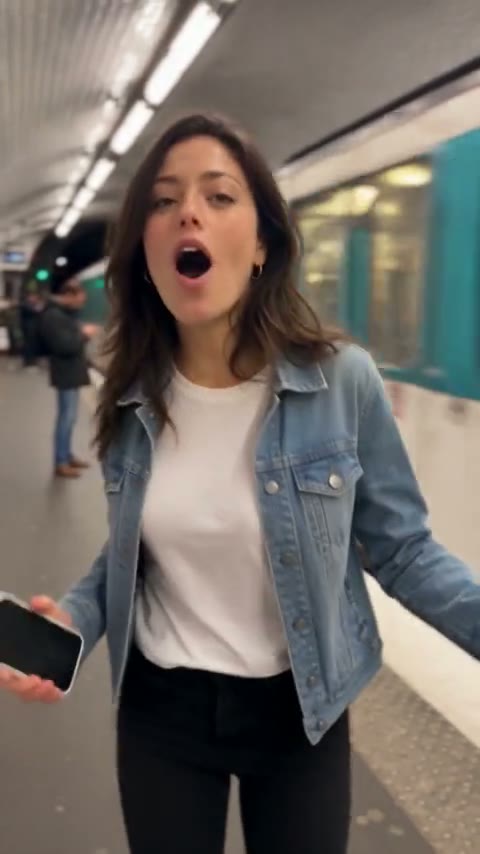
New arrivals
Fresh templates to try with your own photos.
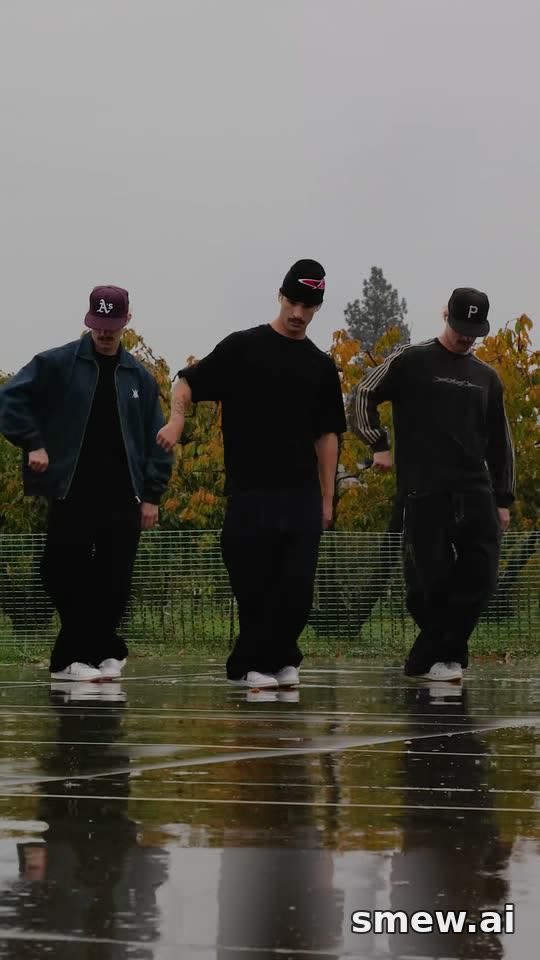
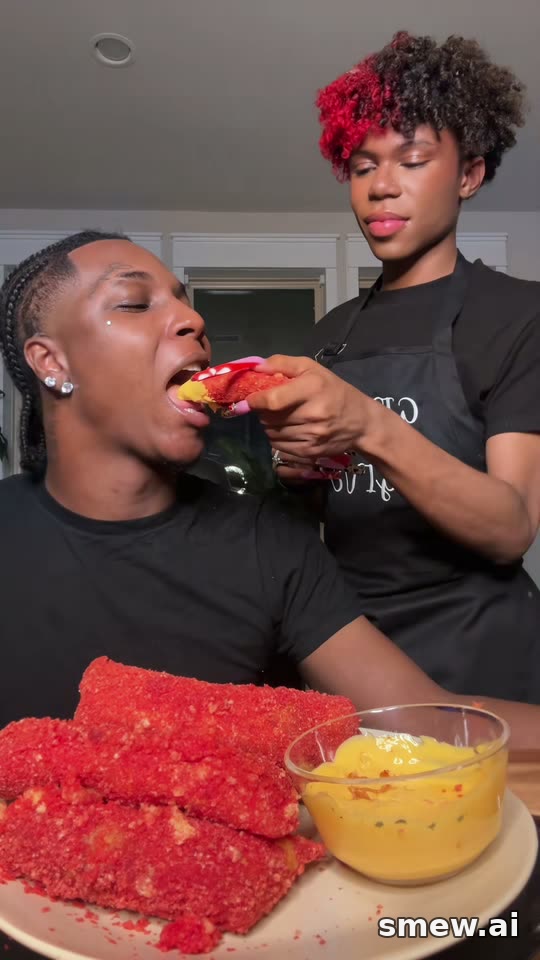
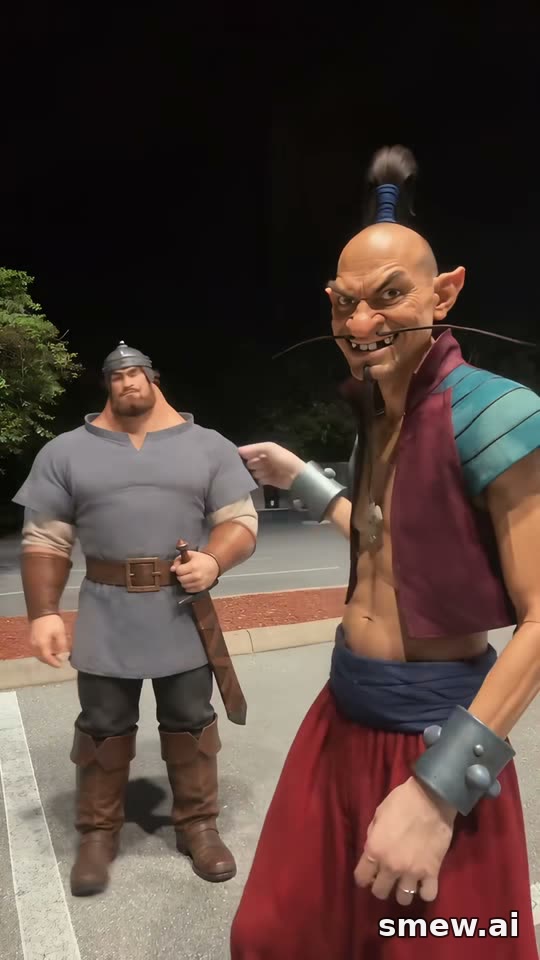
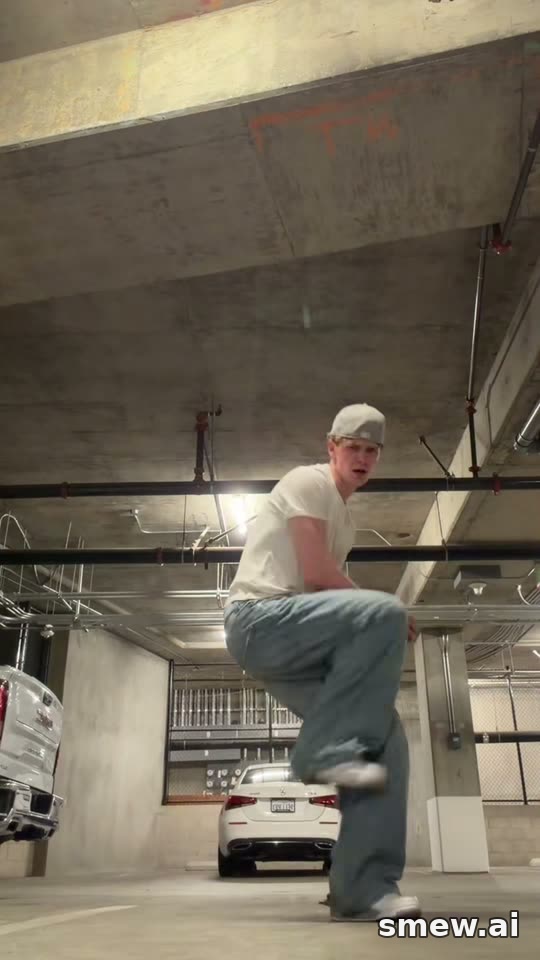
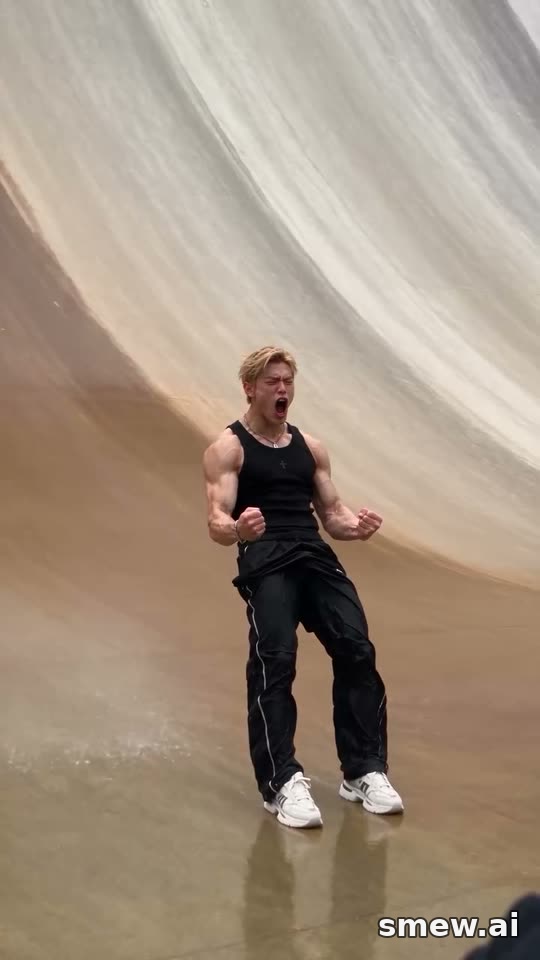
Saw it on Reels? Star in it
These are the viral clips our templates copy shot by shot. Pick one, add your photos, and you and your pet play the parts.
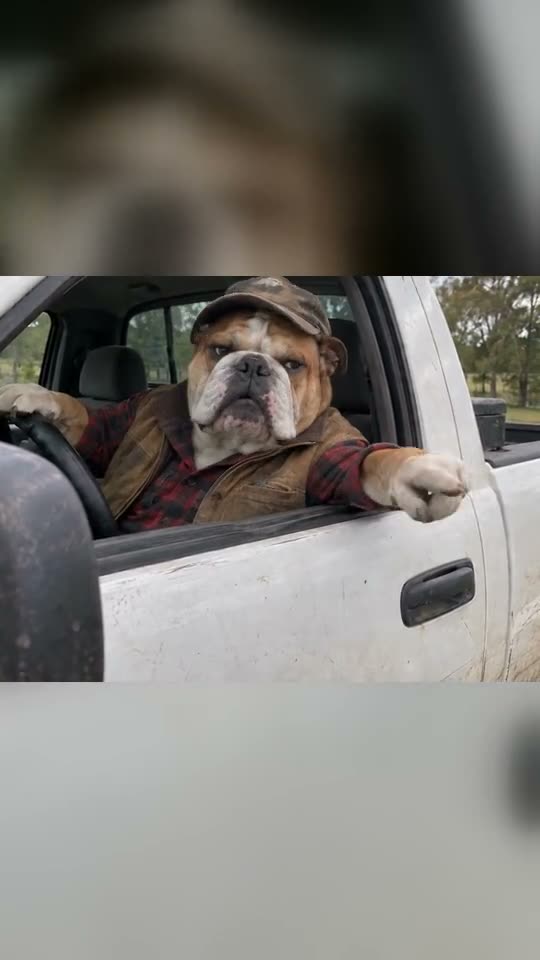
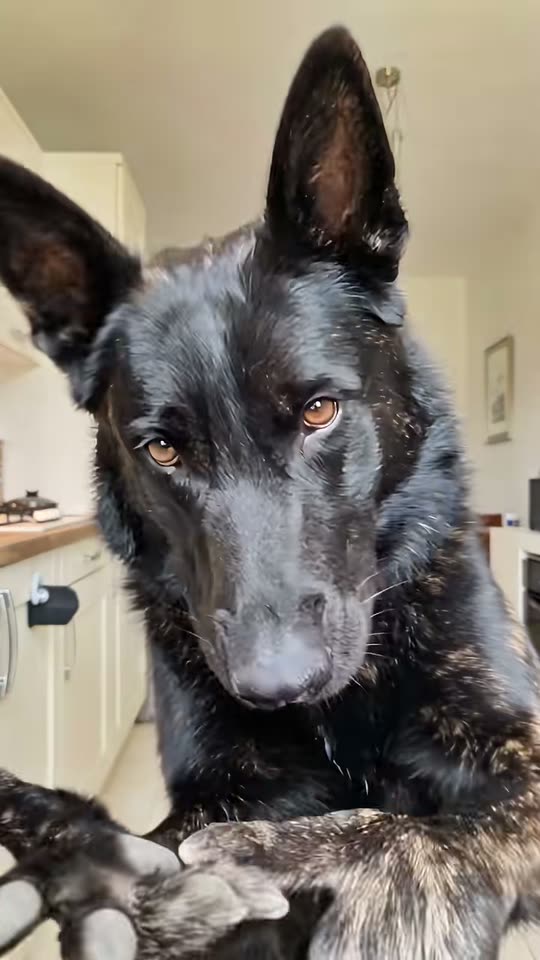 OriginalBad Times Trend: Bad Times dogby @tillandsialoverMake it with your photos
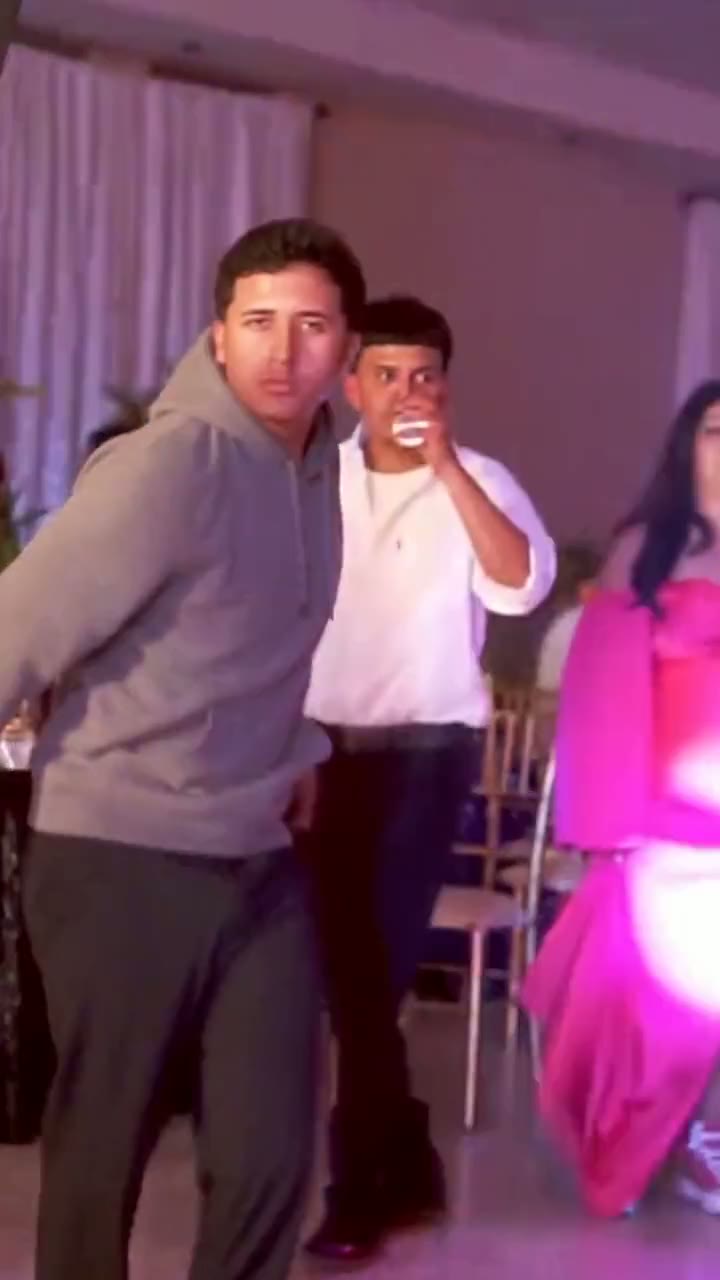
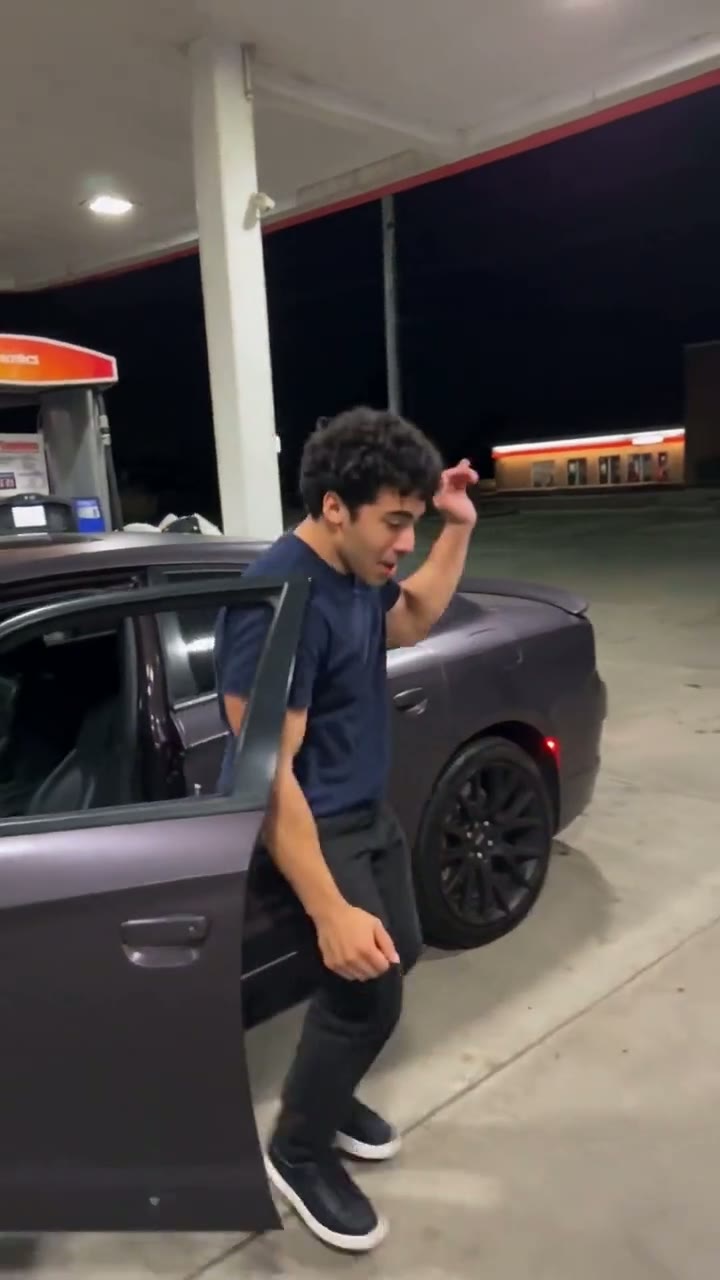
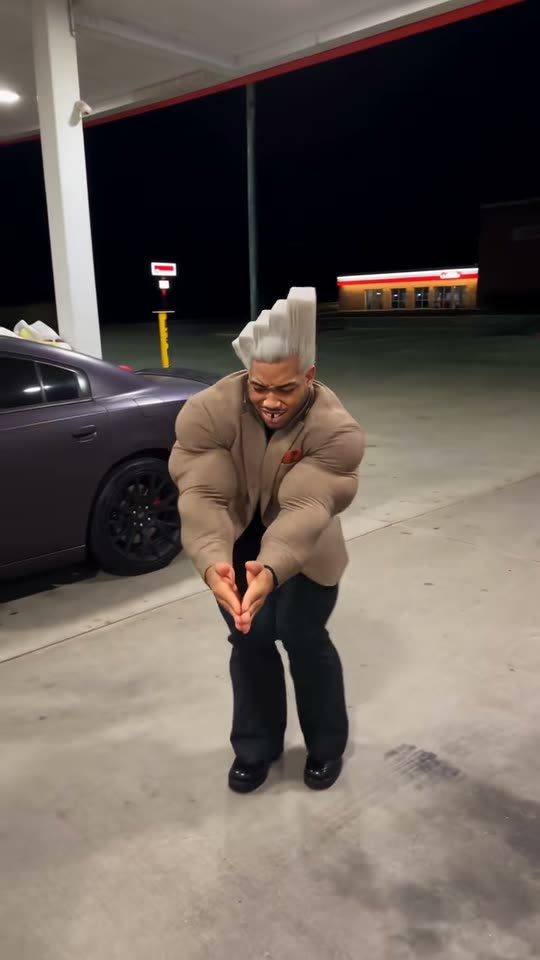 OriginalGas Station Dance: Gas station mop danceby @dr.gabagooMake it with your photos
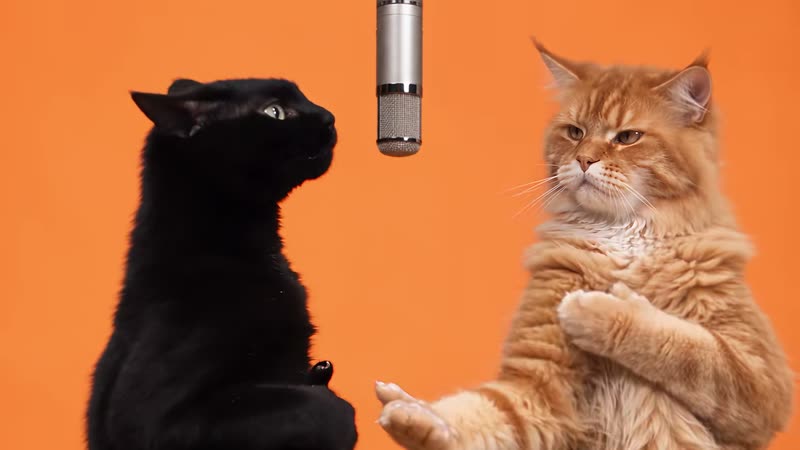 OriginalHotel Lobby: Hotel Lobby catsby @therealmeowfiaMake it with your photos
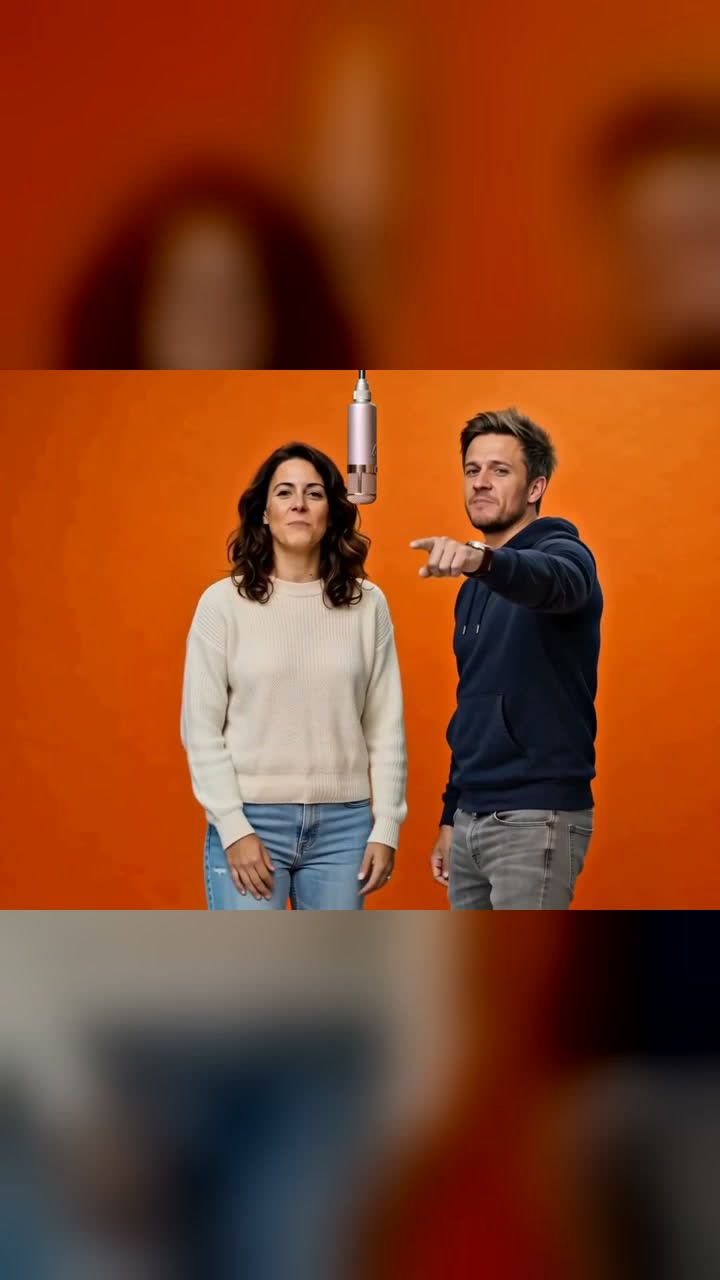
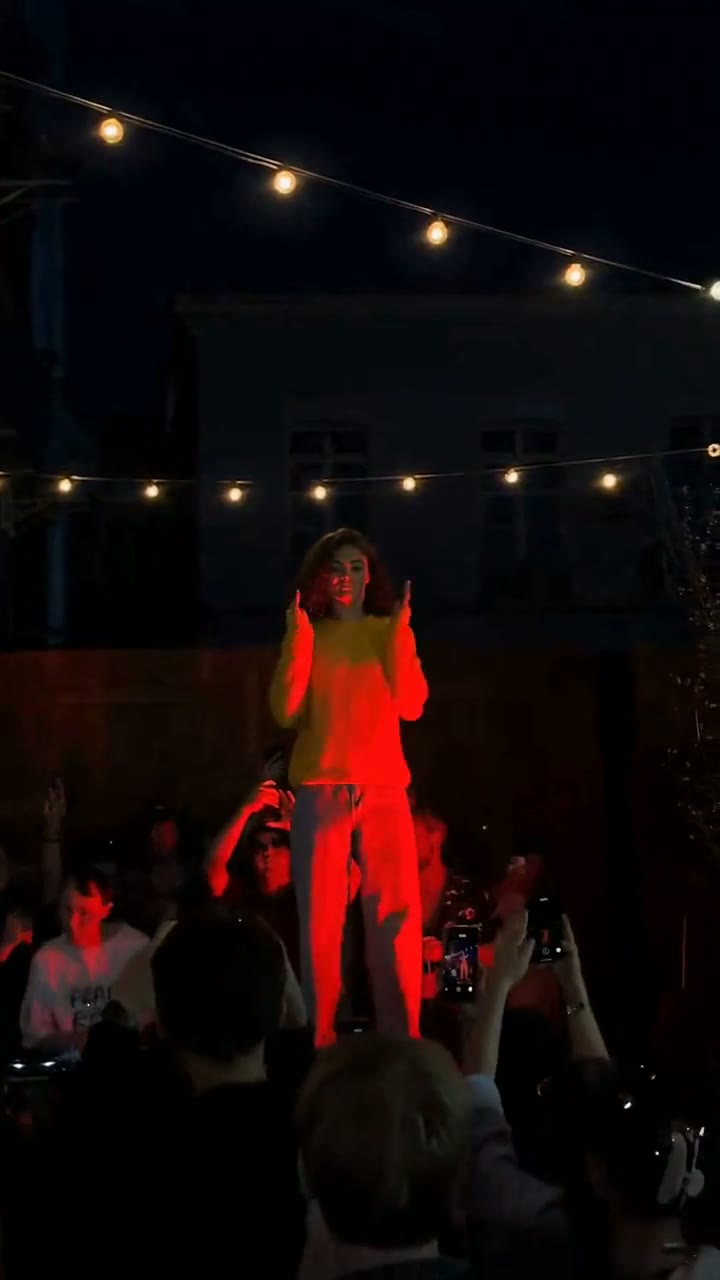
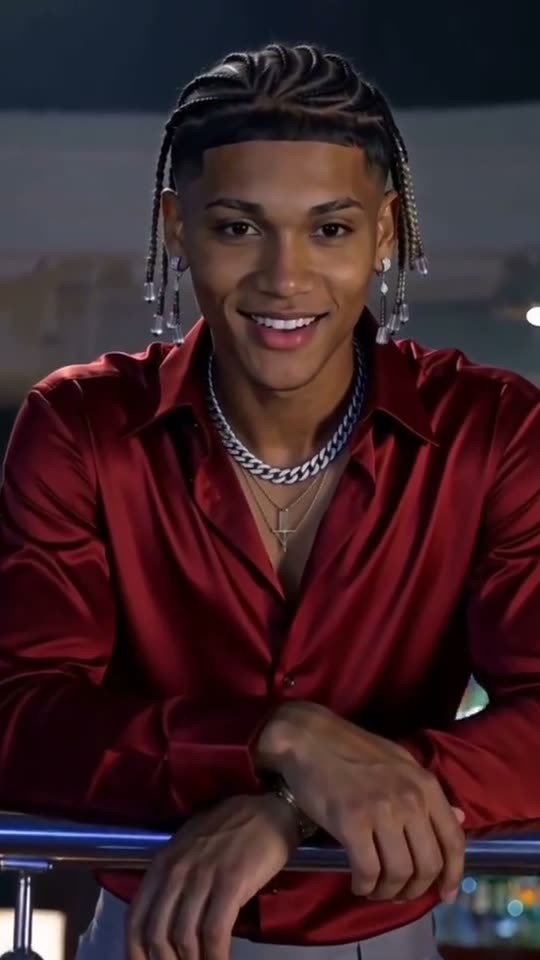 OriginalClub Spotlight Couple: Club spotlight coupleby @battos13Make it with your photos
 OriginalClub Spotlight Couple: Club spotlight dogsby @browniethejackrussellMake it with your photos
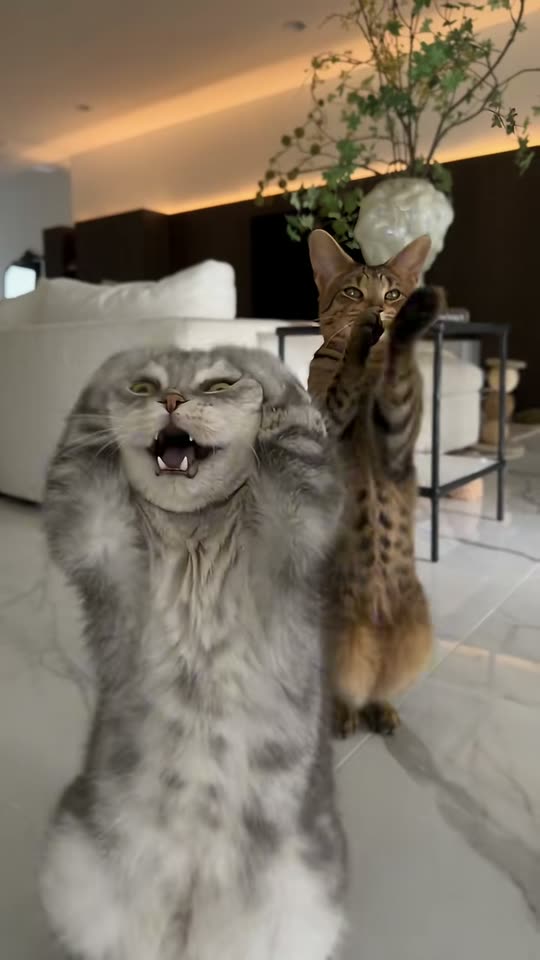 OriginalSmalltown Boy: Living roomby @zefosikMake it with your photos
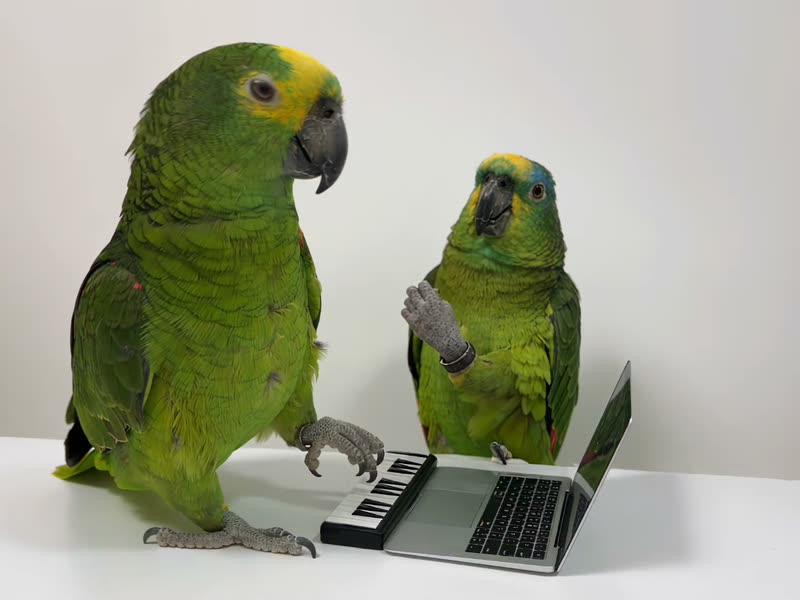 OriginalAlors On Danse: Parrot producersby @kennyslowbirdMake it with your photos
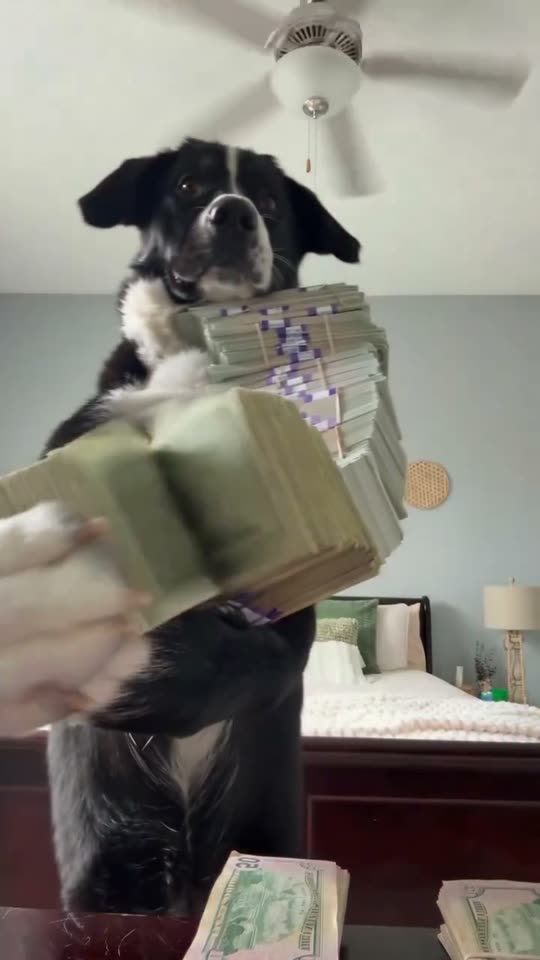 OriginalMoney Flex: The dog that flexes a pile of cashby @clashMake it with your photos
All 256 trending templates in one viral AI video generator
Popular trends first. Tap one to see the example, the price and the photos it needs.
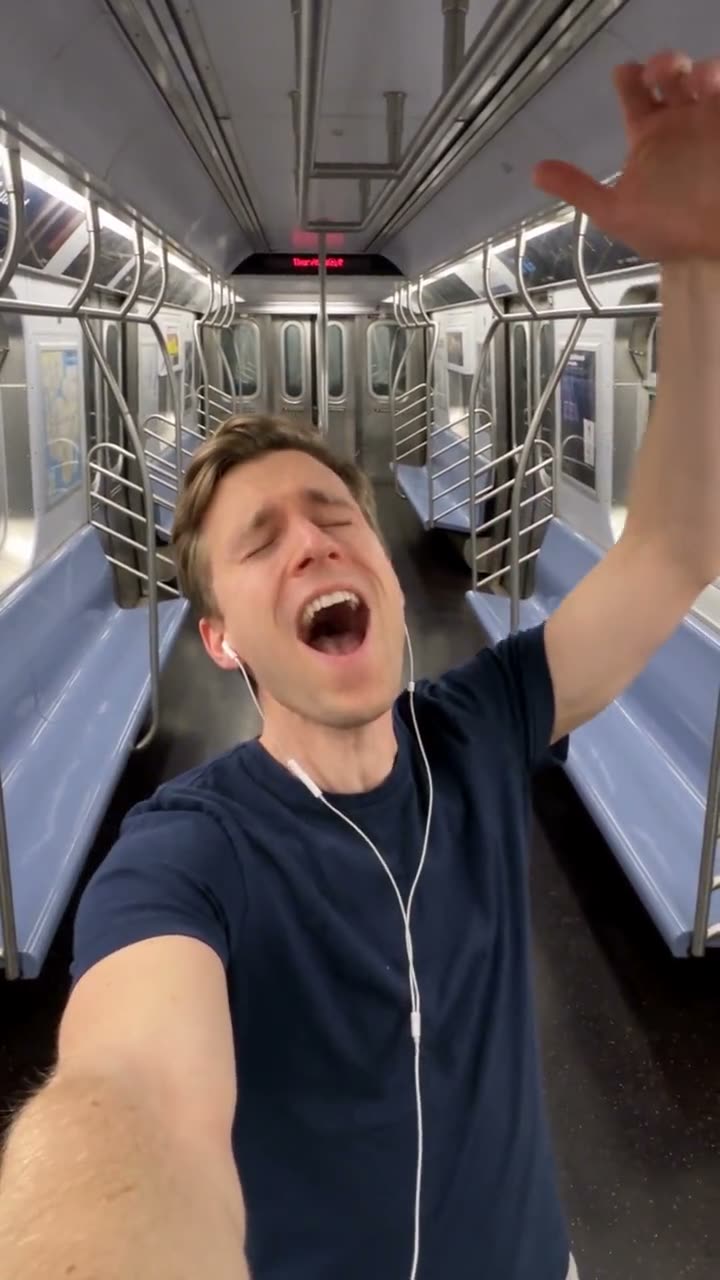
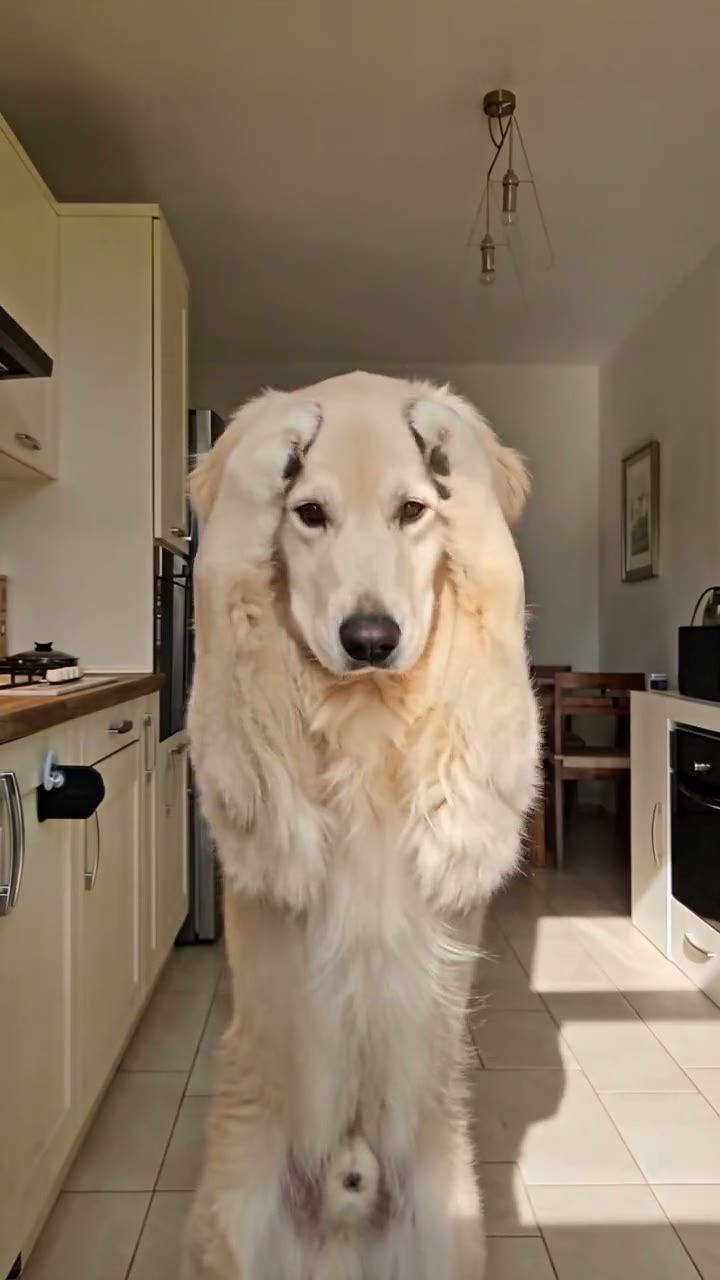
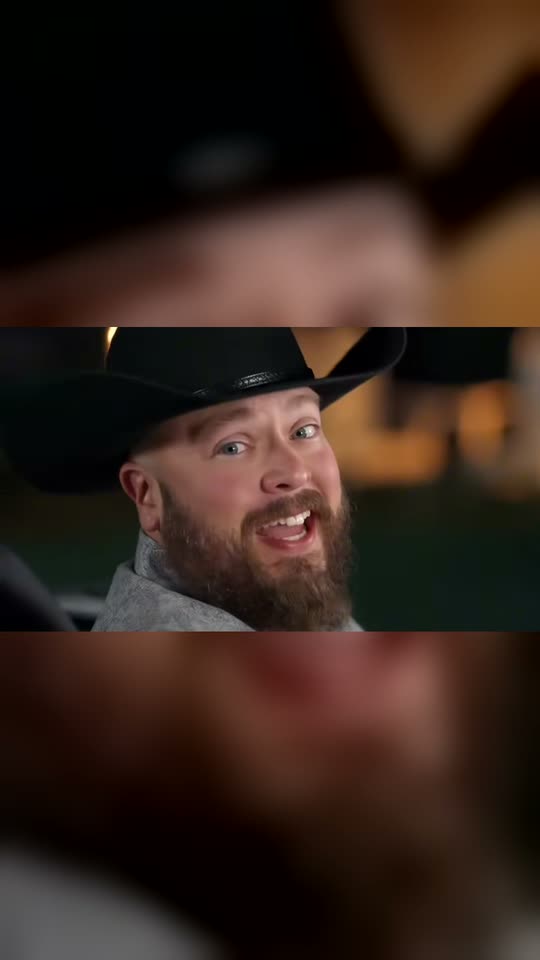
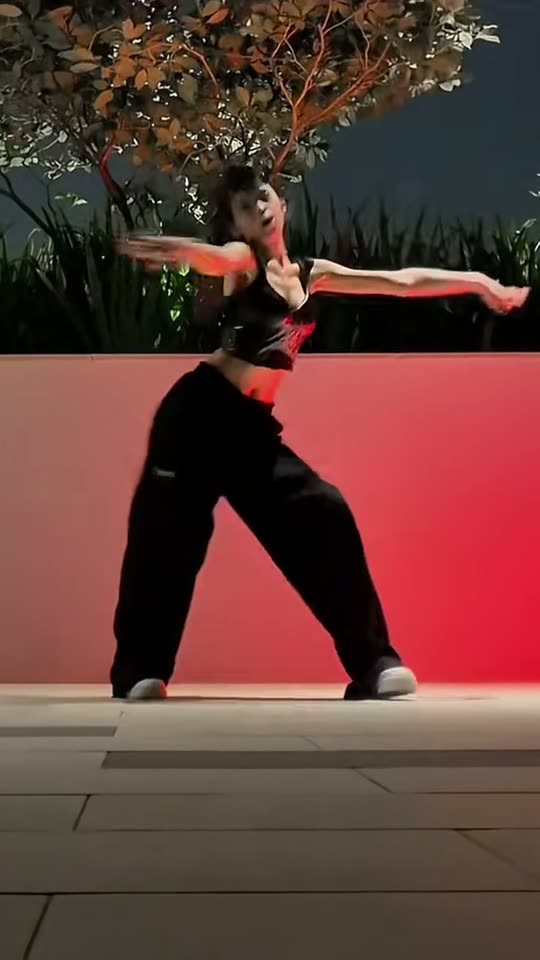
More like this
More trends in the same vein as Bby Wow Guy. Add your photo and get the video, the same way.

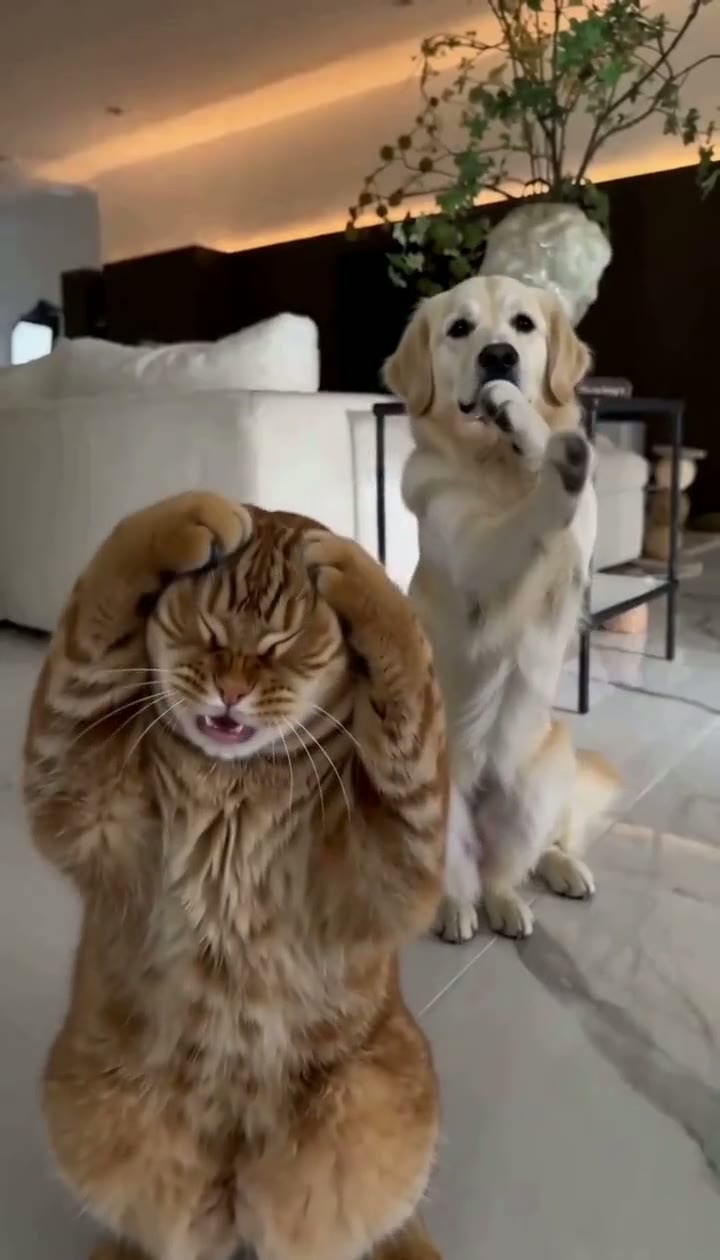
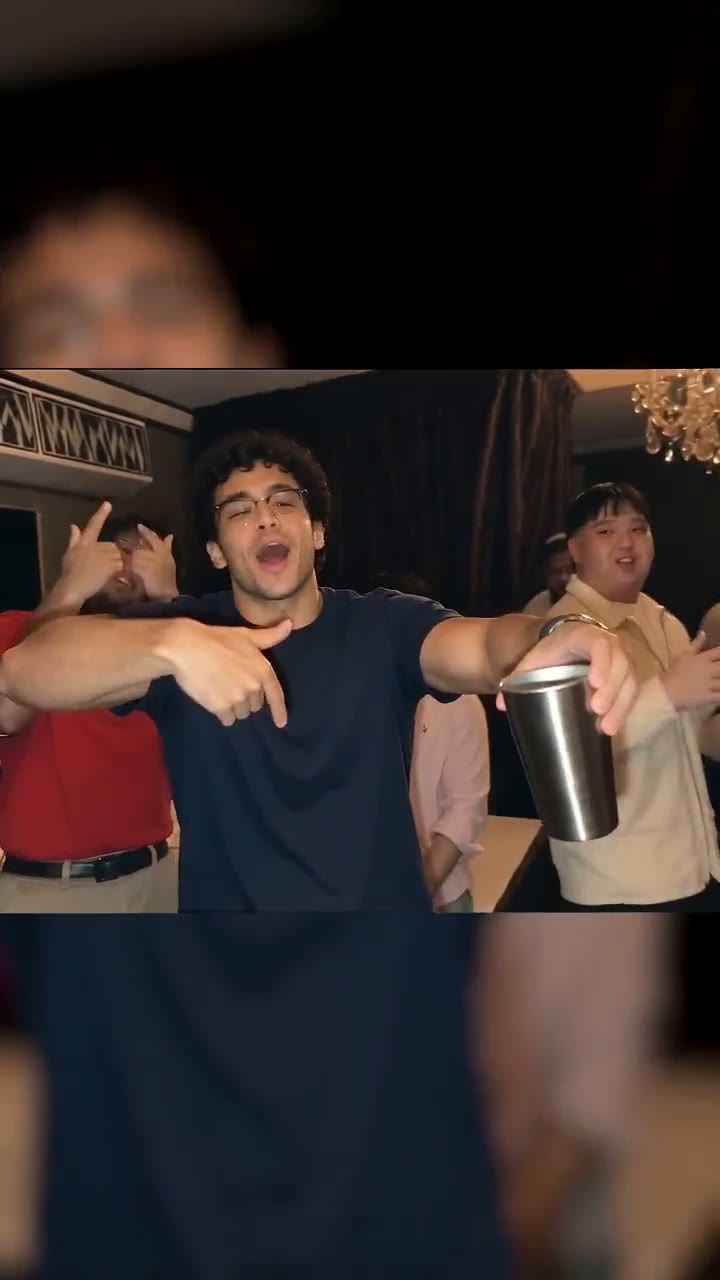
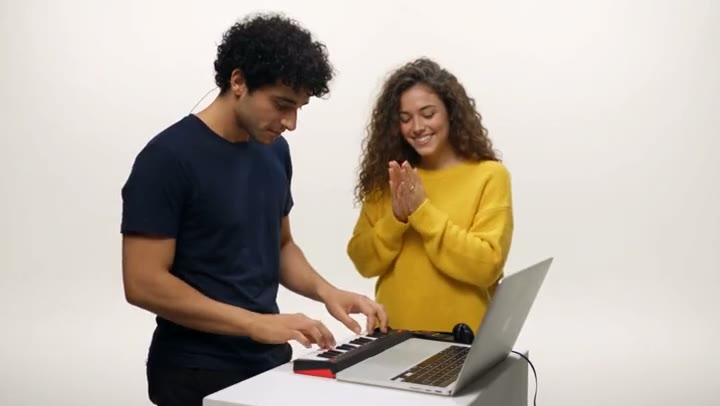
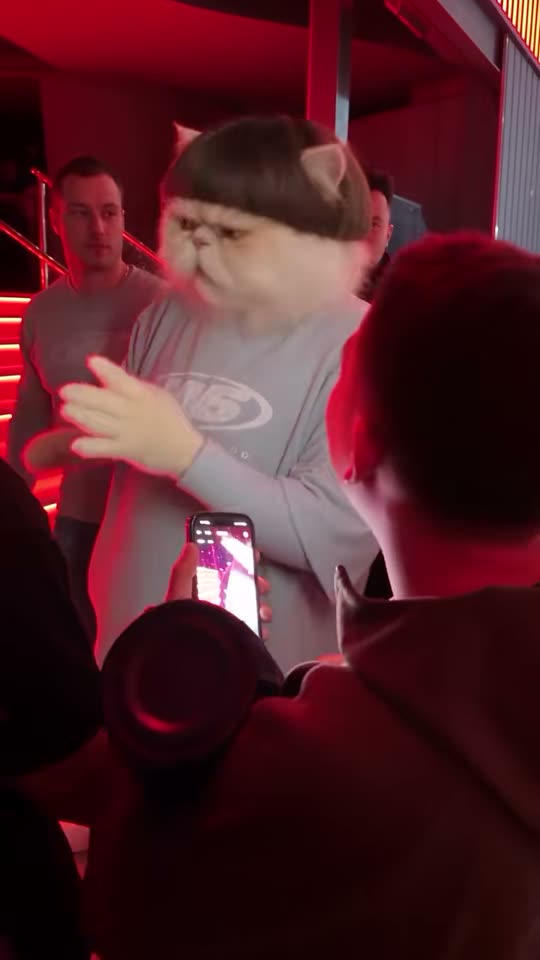
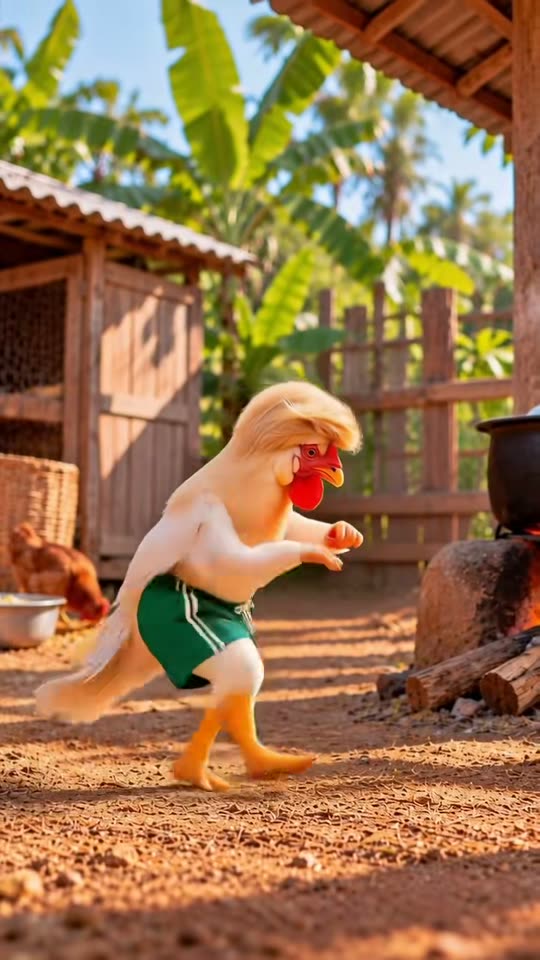
Made on Smew AI, one photo each
Every video below came from a single AI-made photo and the template's own recipe. Nobody in them is a real person, and your result will differ from run to run.
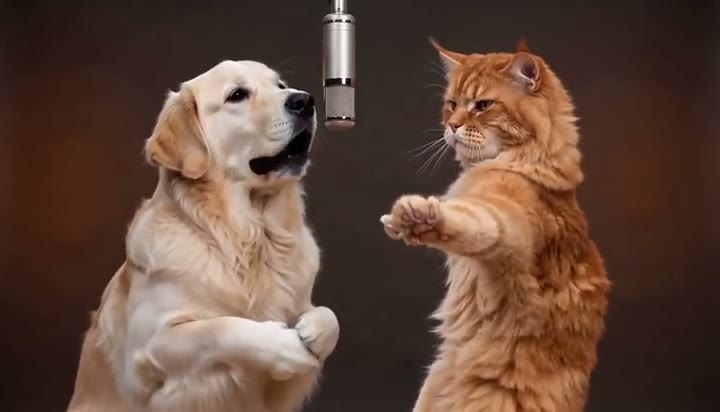
How this viral AI video generator works
No prompt to write and no editing app. A video that fails gives its credits back.
Pick a trend
Each template shows the original reel and its price in credits up front.
Add your photo
One or two photos, as the template needs: you, a friend who said yes, or your pet.
Tap once
We run the tried-and-tested recipe and make the video with its sound, or the photo. Download it and post.
Or make anything from a prompt
Write what you want to see, pick one of 19 image and video models, and add a photo if you like. You see the price in credits before you tap.
按创作付费,或订阅套餐
付款前即可看到价格,生成失败自动退回积分。
What Smew AI does, and what it never makes
Smew AI is a web app for making short AI videos and photos for TikTok, Instagram Reels and YouTube Shorts. Choose a viral trend, add a photo of yourself or your pet, and download a vertical video ready to post, or create any image or video from your own prompt.
How we use Google sign-in
- Signing in with Google only logs you in. We receive your name, email address and profile picture, and use them solely to set up and access your account.
- We never request access to your Gmail, Drive, Photos, contacts or any other data in your Google account.
- Google account data is never used to generate images or videos, never used to train AI models, and never sold.
No sexual content, and no fake intimate images
- No part of the service, including any Google API, may be used to create AI-generated non-consensual intimate imagery (NCII).
- Sexual, nude or intimate images and videos of real people are not permitted. Any sexual content involving a minor is strictly banned.
- Upload only photos of yourself or of people who have given consent. We write every template scene ourselves, and none of them are sexual.
- Typed prompts are screened and sexual or nude requests are refused. Content that breaks these rules is removed and the account is closed.
Report abuse to support@smew.ai. Terms of Service · Privacy Policy
Questions, answered
How does Smew AI work?
How do I make one of the viral AI trend videos?
Which apps are the videos made for?
How long does a video take?
Whose photos can I use?
How much does it cost?
Is there a watermark?
Is my payment safe?
Can I cancel any time?
Your photo. This week's viral trend.
Choose a trend, add a photo and tap once. The price is on the button before you pay.
- No watermark
- A failed video gives its credits back
- Secure checkout by Stripe